









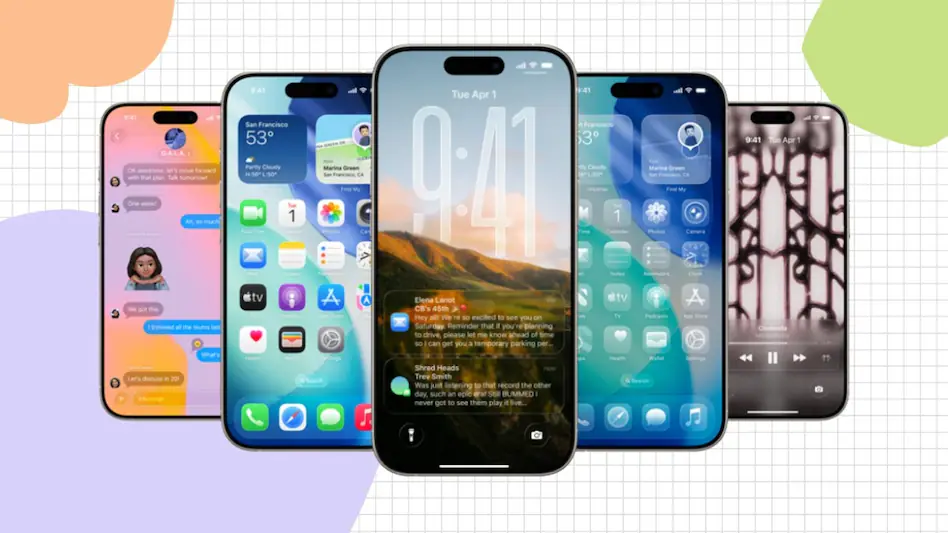
Apple has rolled out iOS 26.1 Beta 2 for developers and public beta testers, nearly two weeks after seeding the first beta. The latest update, identified by build number 23B5059e, refines several system features while introducing new customization and security options.
Key Highlights
🔒 Background Security Improvements
A major addition in this beta is the Background Security Improvements toggle, now found under Settings > Privacy & Security. This feature replaces the older Rapid Security Responses, allowing iPhones to automatically download and install essential security patches in the background—streamlining the update process for users.
⏰ Clock App Enhancement
Apple has reworked the alarm interaction in the Clock app. Instead of tapping to stop an alarm, users must now slide across the screen to turn it off, while a simple tap triggers snooze. This subtle tweak is designed to prevent accidental dismissals and make waking up more deliberate.
💪 Custom Workouts in Fitness App
Fitness enthusiasts get a new level of control with custom workout creation. Users can now define the type of exercise, duration, effort level, Active Calories goal, and start time, offering a tailored experience beyond Apple’s preset workout templates.
Visual and Interface Updates
iOS 26.1 Beta 2 introduces a range of small but noticeable visual refinements:
Settings and Home Screen: Text and icon alignment has shifted to the left, replacing the previously centered layout. Folder names now follow this style for a cleaner aesthetic.
Photos App: Common actions like Favourite, Play as Slideshow, and Hide have been moved to the top of the menu, improving accessibility.
Accessibility: A new Display Borders toggle adds clarity to UI elements.
Wallpaper Customization: A Pinch to Crop indicator briefly appears when adjusting wallpapers, and subtle lighting effects enhance contrast in darker themes.
Availability
The update is currently available over the air (OTA) to registered developers and beta testers with iPhone 11 or newer devices. A public beta can also be accessed via Apple’s Beta Software Program.
To install, head to:
Settings → General → Software Update → Install Now
Recent Random Post: